
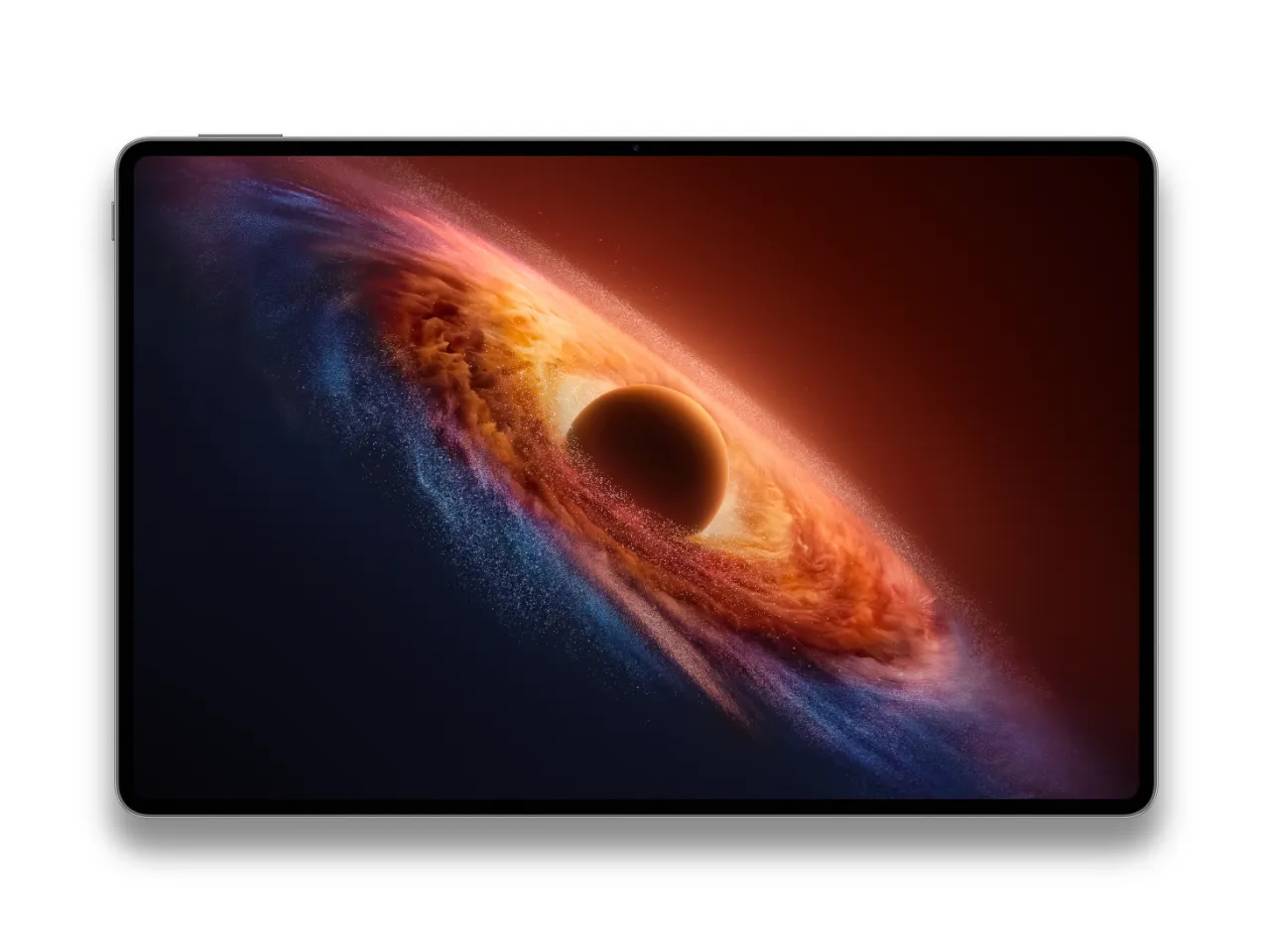
With Snapdragon 8 Gen 5 inside a 4.8mm shell, HONOR MagicPad4 leans into “PC level productivity” and cross-platform sharing across iOS and Android devices.

HONOR MagicPad4
I am quickly learning that HONOR loves to set records with its devices, and the MagicPad4 is no exception!
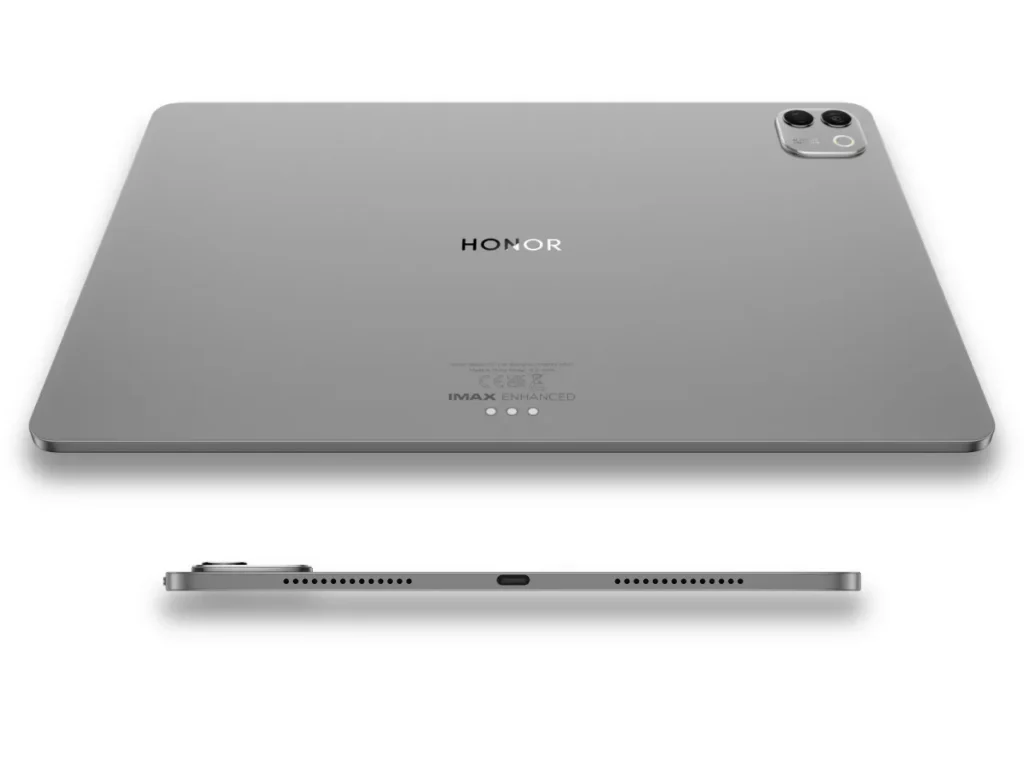
It’s 4.8mm thin, which is incredible when you remember that the current 13-inch iPad Air (M3) is 6.1mm, and even the 11-inch iPad Pro (M5) is 5.3mm. It’s basically a big OLED sheet with muscle.
Often, when a new thin and/or lightweight tablet is launched, it’s usually at the expense of power, performance, features, or a combination of all three. Yet, on paper at least, HONOR has gone big on all of them, including being the first tablet running the 3nm Snapdragon 8 Gen 5.
A tablet this slim that still pushes a PC-style mode, multi-window work, and cross-device sharing (including iOS and Android) is basically designed for travel. You get the portable part, without ditching the “I need to actually get stuff done” part.
Features HONOR MagicPad4
At only 4.8mm and 450g, HONOR is talking up the internal build as an “industry-leading Crescent Structure”. It is constructed from materials such as Aerospace-grade special fibre, which they claim cuts weight while boosting stiffness.
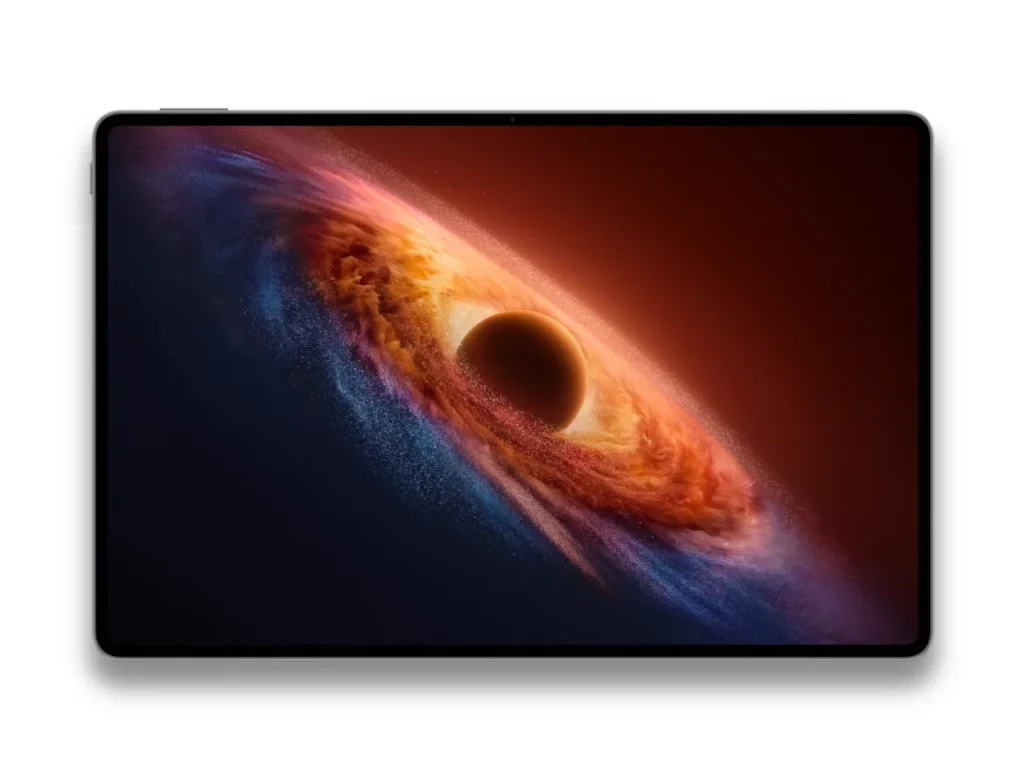
Up front, it’s a 12.3-inch OLED with a 165Hz refresh rate, a 93% screen-to-body ratio, a notably slim 4mm bezel, and a 3000 × 1920 resolution, with peak brightness up to 2400 nits in HDR. This means it should perform as well outdoors as in a dark room or an aircraft cabin.
There’s also a heavy eye-comfort push, including 5280Hz PWM dimming and a couple of display features, like Chip-Level AI Defocus Display and DOT Eye Comfort Technology, to reduce eye strain.
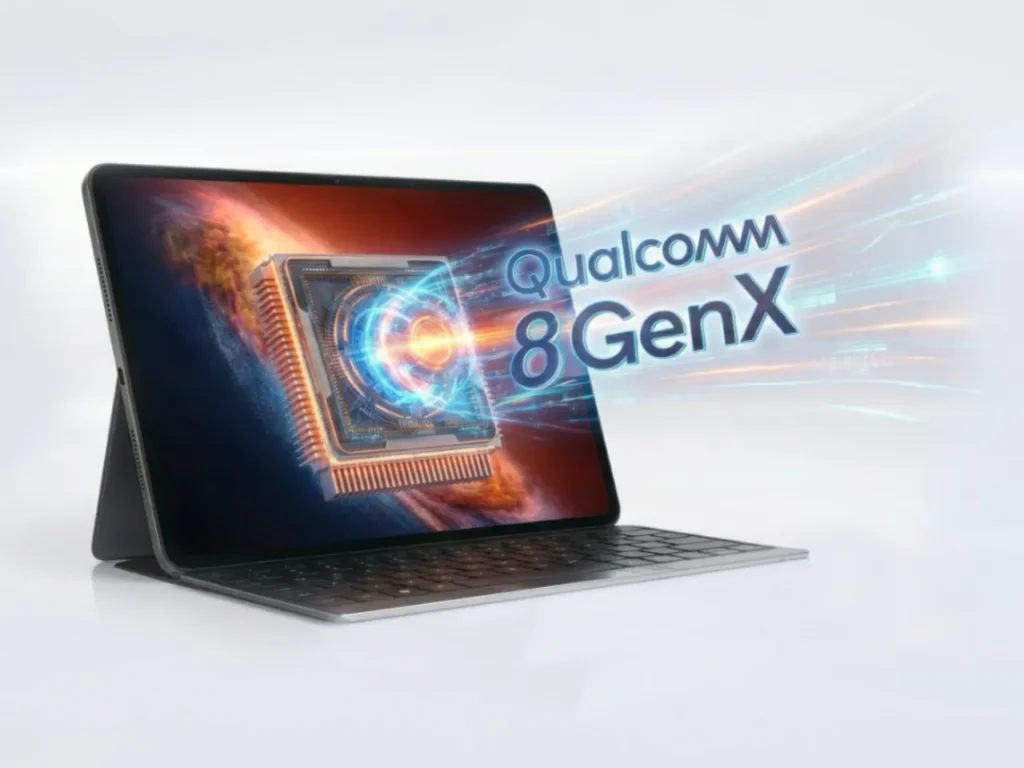
Performance is centred on the Snapdragon 8 Gen 5 (3nm) platform, supported by HONOR’s 13-layer 3D thermal architecture cooling system to keep speeds consistent when the MagicPad4 juggles multiple, heavier apps.
Productivity is where MagicPad4 aims to deliver the full PC experience on a tablet. PC Mode brings a desktop-style interface, file management that looks and behaves as you’d expect on a computer, and full mouse support.
Attach the keyboard, and the MagicPad4 automatically enters PC mode.
There is no escaping the 2026 buzzword, so on the AI side, which HONOR has done exceptionally well with in its recent handsets, it’s mostly geared at getting admin done quicker. There’s an AI meeting feature for minutes and speaker recognition, plus AI summaries for long documents and articles. It also boasts a new AI writing tool, which will be either a lifesaver or a danger to society depending on your inbox.
Wi-Fi 7 is backed by a four-antenna design and cross-device features that go beyond the usual “share with my phone”. HONOR wants the MagicPad 4 to fit in with your current setup and has made the tablet work with other ecosystems, including Apple devices like iPhone, iPad, and Mac, as well as Android devices.
Audio is overbuilt in a good way: eight speakers with spatial audio support, aiming for louder, clearer sound without needing headphones to hear dialogue properly. It’s one of those specs that sounds like fluff until you’re watching something on a plane and the tablet speakers don’t immediately give up.
The battery has been slated at 10,100 mAh and supports 66W charging, so it will be good for a full-day’s use rather than the “carry a power bank and pray” lifestyle.
Specifications HONOR MagicPad4
| Features | HONOR MagicPad4 |
|---|---|
| Dimensions | 273.4mmx178.8mmx4.8mm |
| Weight | Approx. 450g |
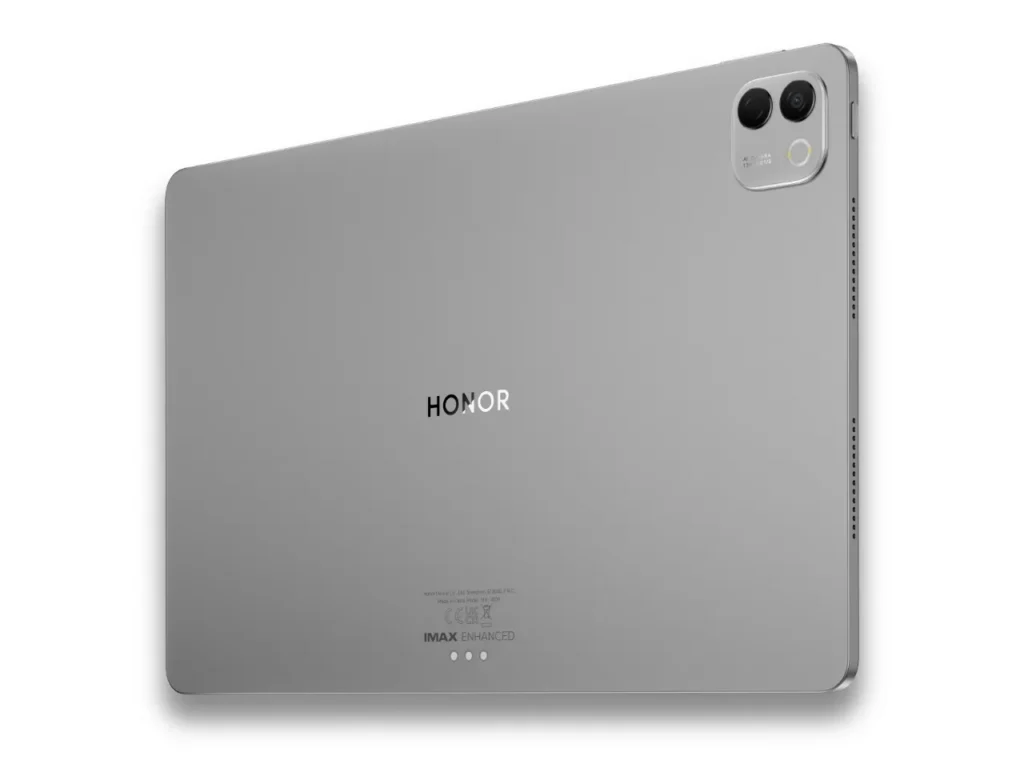
| Colour Options | Gray White |
| Display |
OLED Refresh rate: 165Hz Resolution: 3000 × 1920 (3K) Peak brightness: up to 2400 nits (HDR) |
| Eye comfort |
5280Hz PWM dimming AI Defocus Display (video scenes) DOT Eye Comfort Technology TÜV Rheinland low blue light + flicker-free: TBC |
| Processor | Snapdragon 8 Gen 5 (3nm) |
| RAM + Storage |
12GB RAM + 256GB ROM 16GB RAM + 512GB ROM |
| Cooling |
HONOR Ice Cooling System 13-layer 3D thermal architecture Heat dissipation area: 81,717mm² |
| Battery | 10,100mAh |
| Charging | USB-C |
| Connectivity |
Wi-Fi 7 Bluetooth |
| Productivity |
PC Mode Mouse support Desktop-style file management Keyboard shortcuts + multi-window tools |
| AI features |
AI Memo (minutes + speaker recognition) AI Summary AI writing tools |
| Speakers + audio |
Eight speakers HONOR Spatial Audio HONOR Sound DTS:X Ultra / Spatial Audio / IMAX Enhanced |
| Rear camera | 13MP Autofocus f/2.0 aperture |
| Front camera | 9MP Fixed-focus f/2.2 aperture |
| Software | MagicOS 10 (based on Android 16) |
| Accessories |
Keyboard: TBC Stylus: TBC |
| In the box | TBC |
| Website | honor.com |
Price & availability HONOR MagicPad4
At the time this article was published, the launch price had not yet been confirmed. HONOR is running early-bird deals for customers who express interest in the new MagicPad4 and sign up to be notified on launch day on honor.com.
Availability will be announced in March.
Frequently Asked Questions
What makes the HONOR MagicPad4 different from other thin tablets?
HONOR MagicPad4 goes all-in on being super slim at 4.8mm, but still pairs it with flagship Snapdragon 8 Gen 5 power and a 165Hz OLED display.
How thin and heavy is the HONOR MagicPad4?
HONOR MagicPad4 measures 273.4mm (W) x 178.8mm (H) x 4.8mm (D) and weighs approx. 450g.
What chip is inside the HONOR MagicPad4?
HONOR MagicPad4 runs the 3nm Snapdragon 8 Gen 5, and it’s being positioned as the first tablet to ship with that platform.
What are the HONOR MagicPad4 screen specs?
HONOR MagicPad4 is listed with an OLED panel, 165Hz refresh rate, 3000 × 1920 (3K) resolution, and up to 2400 nits peak brightness for HDR. Screen size: TBC.
What are the eye comfort features on the HONOR MagicPad4?
HONOR MagicPad4 includes 5280Hz PWM dimming, plus AI Defocus Display (during video scenes) and DOT Eye Comfort Technology for longer sessions.
What happens when you attach a keyboard to the HONOR MagicPad4?
HONOR MagicPad4 switches into PC Mode, giving you a more desktop-like layout with mouse support, keyboard shortcuts, and multi-window tools.
What battery, audio, cameras, and storage does the HONOR MagicPad4 have?
HONOR MagicPad4 packs a 10,100mAh battery with 66W charging, eight speakers with HONOR Spatial Audio plus DTS:X Ultra and IMAX Enhanced support, a 13MP rear camera (AF, f/2.0) and 9MP front camera (fixed focus, f/2.2), plus 12GB/256GB or 16GB/512GB configs.